ComfyUI Workflows
Browse real AI workflows from Flux, SDXL, Pony, ControlNet, video generation and commercial AI creators.
Latest support for bilingual prompt words CogView V4 Text-to-Graphics Workflow
B-site video: https://www.bilibili.com/video/BV1dWcpeUE4v/Knowledge Planet: https://t.zsxq.com/7F90AGraphic tutorial: https://t.zsxq.com/lNK8vThe workflow is very simple to use, and I have uploaded a tutorial on how to use it on YouTube. You can try it out and follow the tutorial and Civitai's workflow to easily reproduce the results. Thank you. If you have any other questions, please leave a comment in the comment sectionThis tutorial is very important, not watching it will surely lead to a lot of problems! Watch the video tutorial before trying !!!! Very important! Especially a key point at the end!

Cogvideo consis_id_identity_conformance video workflow
B-site video: https://www.bilibili.com/video/BV1dWcpeUE4v/Knowledge Planet: https://t.zsxq.com/7F90AGraphic tutorial: https://t.zsxq.com/lNK8vThe workflow is very simple to use, and I have uploaded a tutorial on how to use it on YouTube. You can try it out and follow the tutorial and Civitai's workflow to easily reproduce the results. Thank you. If you have any other questions, please leave a comment in the comment sectionThis tutorial is very important, not watching it will surely lead to a lot of problems! Watch the video tutorial before trying !!!! Very important! Especially a key point at the end!
DimensionX 4D Space-Time Transportation Mirror I2V Workflow
在线4090免费用,各种好玩有趣的AI应用,T8每日更新 粉丝福利,打开链接:中国版:https://www.runninghub.cn/?inviteCode=kol01-rh099通过上述链接注册领1000RH币,每日登录再送100币,免费玩!4090 free online, various fun and interesting AI applications, T8 daily updates fan benefits, open the link:overseas:https://www.runninghub.ai/?inviteCode=kol01-rh099Register through the above link to receive 1000RH coins, log in daily and receive an additional 100 coins for free!DimensionX Transport Mirror Left 4D Time-Lapse Video WorkflowOriginal project: https://github.com/wenqsun/DimensionXB-site tutorial: https://www.bilibili.com/video/BV1GLUiYJESZ/Model download: https://pan.quark.cn/s/c0016cedc83bExtract code: vpz5Just put the whole folder into the models directoryKnowledge Planet: https://t.zsxq.com/7F90AIllustration: https://www.bilibili.com/video/BV1GLUiYJESZ/

CogVideo 1.5 model arbitrary resolution text/graph generated video workflow
CogVideo 1.5 model arbitrary resolution text/graph generated video workflowThe workflow is very simple to use, and I have uploaded a tutorial on how to use it on YouTube. You can try it out and follow the tutorial and Civitai's workflow to easily reproduce the results. Thank you. If you have any other questions, please leave a comment in the comment sectionThis tutorial is very important, not watching it will surely lead to a lot of problems! Watch the video tutorial before trying !!!! Very important! Especially a key point at the end!
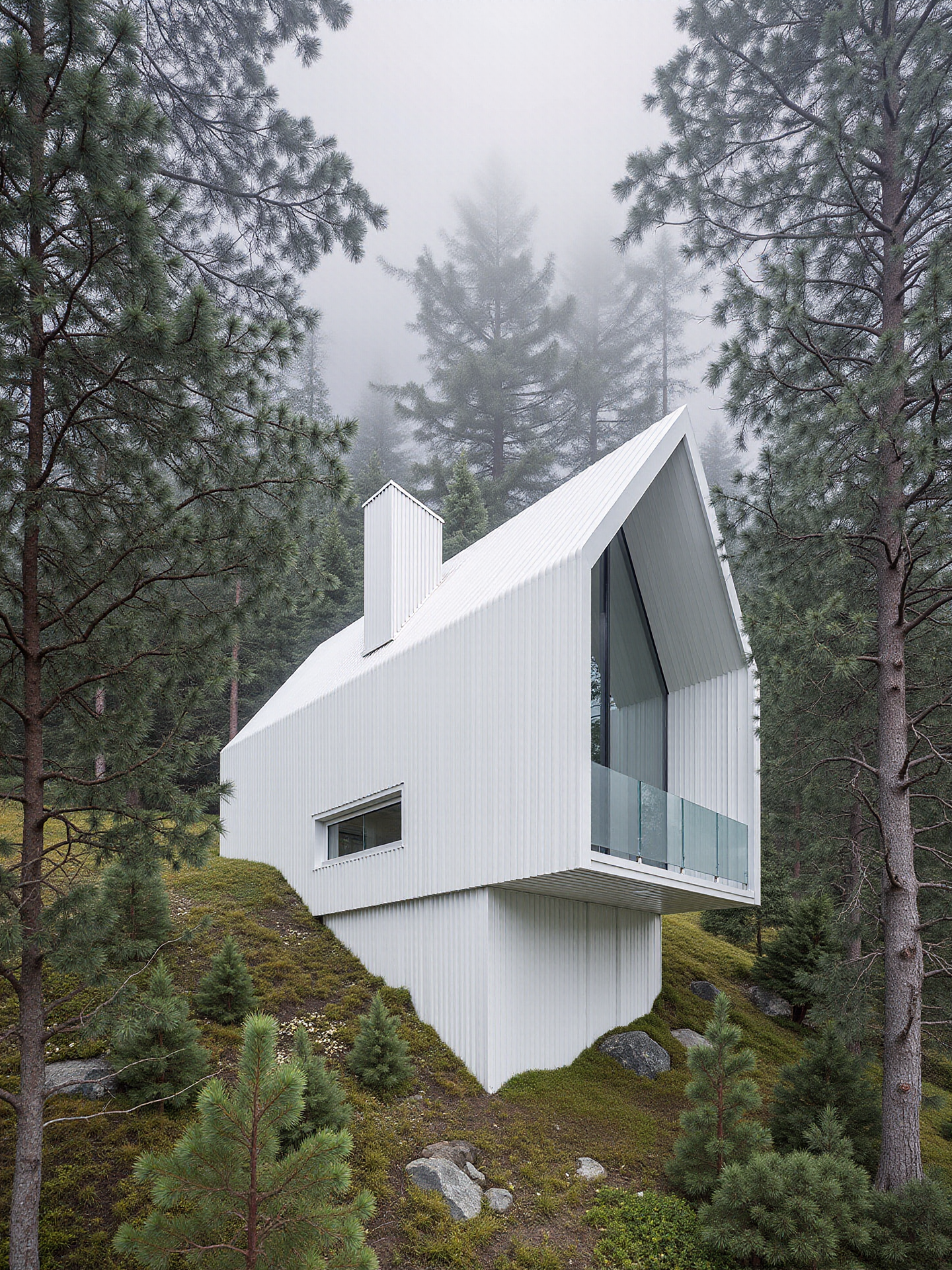
PH's Archviz x AI ComfyUI Workflow (FLUX1.TOOLS + CogVideoX)
This Workflow for ComfyUI is designed to have ALL the FLUX1.Tools combined for using it for 1) image- 2) inpainting- 3) outpainting- and 4) img2vid-generation on Architectural Imagery. Might be of use to others here too. The Workflow generates images from Depth-Generation (switch between lora/model in the Model Loader (Section I) or customize e.g. to canny), outputs can then be In-/Outpainted before being send to cogvideox at the end of the process. Some Examples for BASE IMAGE INPUT included.A video for how i use it can be seen here:CHANGES_______v0.55_241219- added img2video "mode 4" in CONFIG, now enables BASE IMAGE INPUT to VIDEO OUTPUT (recommend to turn off IMAGE OUTPUT for that)- added SELECT CAMERA MOVEMENT to cogvideox CONFIG, pre defined prompts from section II now enable the movement through Camera Motion Lora created by NimVideo (link below)- added MOTION LORA STRENGTH, tested best at 0.6-0.8, sometimes 1.0 working. Added to used resources- further simplified IMAGE INPUTS, now everything but redux is available through BASE IMAGE INPUTv0.5_241213- fixed Inpainting, visible seems from masking removed (blurred), the correct output will be shown in the preview/save node now cough- added easier Setting for IMAGE RESIZE RESOLUTION, default set to 1920 Pixel (proportions remain)- REDUX STRENGTH now can be easily adjusted from CONFIG- LORA STRENGTH now can be easily adjusted from CONFIG- added auto-aspect for video Output, depending on your input it now creates landscape/portrait- simplified video output, process-nodes moved to COGVIDEOX OUTPUT and now it is a one click enable/disable in rgthree's fast bypasser- combined INPUTS FOR IN- & OUTPAINTING to safe some space- added standard SAVE IMAGE nodes (Low Quality/LQ: jpg 72 dpi, High Quality/HQ: png 300 dpi CONTAINING METADATA/WORKFLOW)v0.4_241129- added PROPER Inpainting, now your Images don't get fried after 3-4 Inpaintings.- FLUX1.Redux now part of this (BLACK nodes)- easily switch between Prompts for image Generation- optimized workflowsv0.3_241122- initial releasePlease be aware that this workflow demands high ressources in terms of VRAM (as shown in the video)._______________________________Ressources:MODELS used:checkpointsflux1-dev.safetensorsflux1-depth-dev.safetensorsflux1-fill-dev.safetensors-> (FP8-Versions available from https://huggingface.co/boricuapab)loraflux1-depth-dev-lora.safetensorspytorch_lora_weights.safetensors (https://huggingface.co/NimVideo/cogvideox1.5-5b-prompt-camera-motion/blob/main/pytorch_lora_weights.safetensors)CogVideoXCogVideoX-5b-1.5-I2Vclipt5xxl_fp16.safetensorsclip_l.safetensorsvaeae.safetensorsCUSTOM NODES used:GitHub - ltdrdata/ComfyUI-ManagerGitHub - rgthree/rgthree-comfyGitHub - chrisgoringe/cg-image-pickerGitHub - kijai/ComfyUI-KJNodesGitHub - kijai/ComfyUI-CogVideoXWrapperGitHub - yolain/ComfyUI-Easy-Use_______________________________Download FLUX etc. from BlackForestLabsKijai's CogVideoX1_5i2v video related stuff + KJNodesrgthree-comfy for more comfortchrisgoringe's cg-image-picker for preview pickingyolain's easy-use nodes andtheUpsiders Logic nodes for some automatic stuff used.A complete generation of a 1920x1440px image and a 49f long 1360x768px video without extra In- & Outpainting takes about 530s on a 4090, vram peaks at ~23gb, so yes unfortunately for high ressources only atm. If you are interested in updates, head over to my instagram.
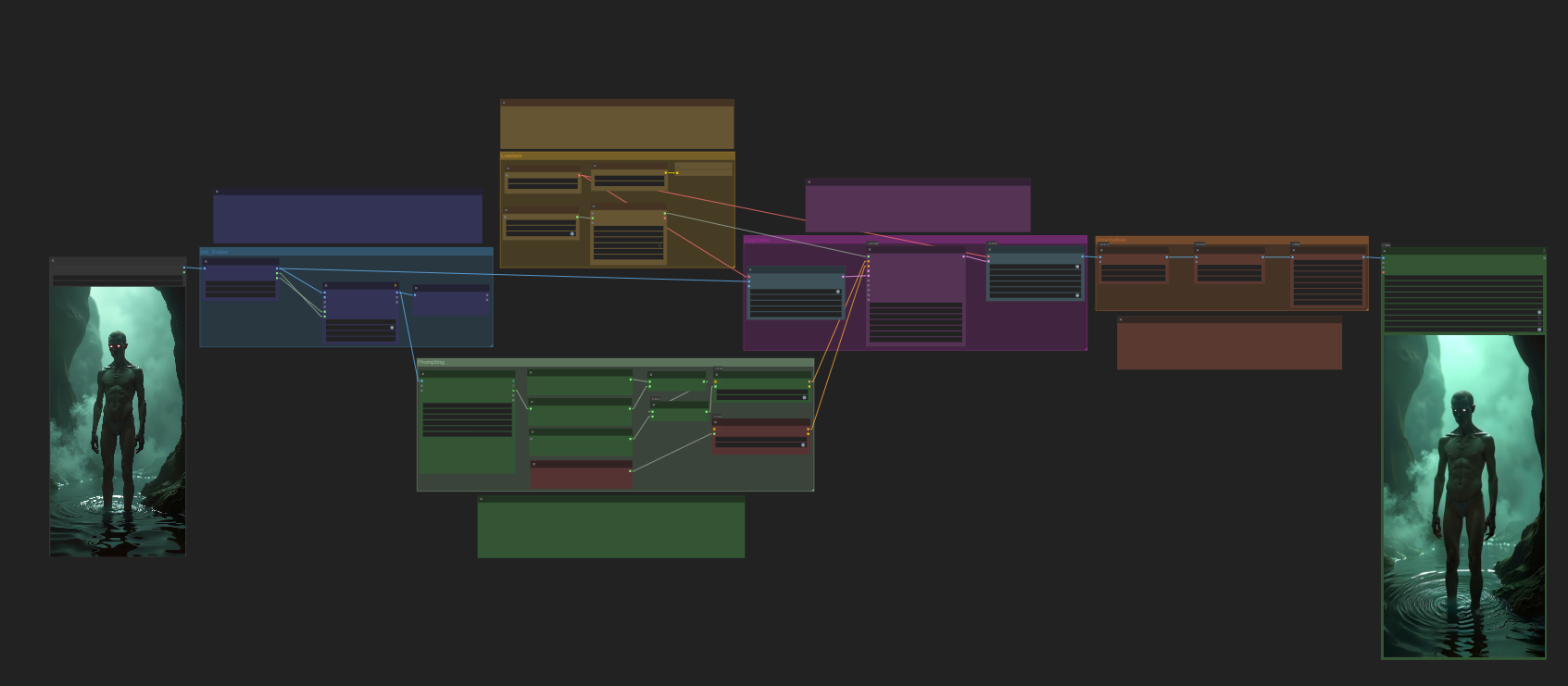
CoGVideoX-img2vid
Title: CogVideo Workflow for Image-to-Video Creation and RefinementDescription:This workflow is tailored for transforming static images into dynamic videos using the CogVideo model. It integrates advanced image conditioning, smooth latent space sampling, and robust video refinement features, enabling creators to generate high-quality video outputs from single or multiple image inputs. Key features include:Image Input Flexibility: Supports single or start-to-end image sequences as conditioning inputs for video generation.Dynamic Motion Control: Apply customizable motions like pans, tilts, or zooms to bring static images to life.Latent Space Sampling: Generate smooth transitions with adjustable frame rates and resolutions using advanced sampling algorithms.Post-Processing Refinements: Includes frame interpolation, color grading, and video stitching tools for a polished final output.Modular Structure: Easily adaptable for various project needs, from artistic animations to cinematic effects.This workflow is perfect for creators and designers who want to convert images into professional-quality videos with customizable motions and detailed refinements.Requirements:Pre-trained CogVideo model and VAE.GPU with sufficient resources for high-resolution video generation.Compatible with CogVideoX version 5b and above.Transform your images into stunning videos and explore new creative possibilities with this image-to-video solution!

CogvideoX Image to Video ComfyUI workflow
A image to video ComfyUI workflow with CogVideoX. Tested with CogvideoX Fun 1.1 and 1.5. Note that the motion lora does not work with the Fun 1.5 model. Just with the 1.1 one.The zipfile contains the json file, the starter image, and the png file from creation, which also contains the workflow.This workflow also contains a CogVideoX motion lora for the camera movement. And you can also add further instructions in the prompt. CogVideoX relies at motion informations in text form.It also has a very simple upscaling method implemented. I am at my journey to figure out a special upscaling workflow though. But for some it might still be useful. It is super fast compared to an upsampling by another ksampler.CogVideo creation size is limited. The old version 1.1 is fixed to a 16:10 format. And 720x480 resolution. The new version 1.5 goes up to double size, but the motion lora that i use here does not work with it.There are some collapsed Note nodes besides the important nodes. Click at them to expand them. The Note nodes contain further informations. And in case of the models also links to the models, and where to put them. This is my first upload at Civitai, so suggesstions and feedback is very welcome.EDIT: The example video rendered in 8 minutes plus some overhead for preparation, without the upscaling with CogvideoX Fun version 1.1. at an 4060 TI. Version 1.5 renders doube as fast. But the motion lora does not work. Upscaling is another 4 minutes then if i remember right. I was not able to run CogvideoX at my old card with 8 Gb. That's too low. 12 gb should work. But i cannot test it. I render at a card with 16 gb at the moment.Webpage: https://www.tomgoodnoise.de/index.php/ai/workflows/And there is an explanation video at Youtube: