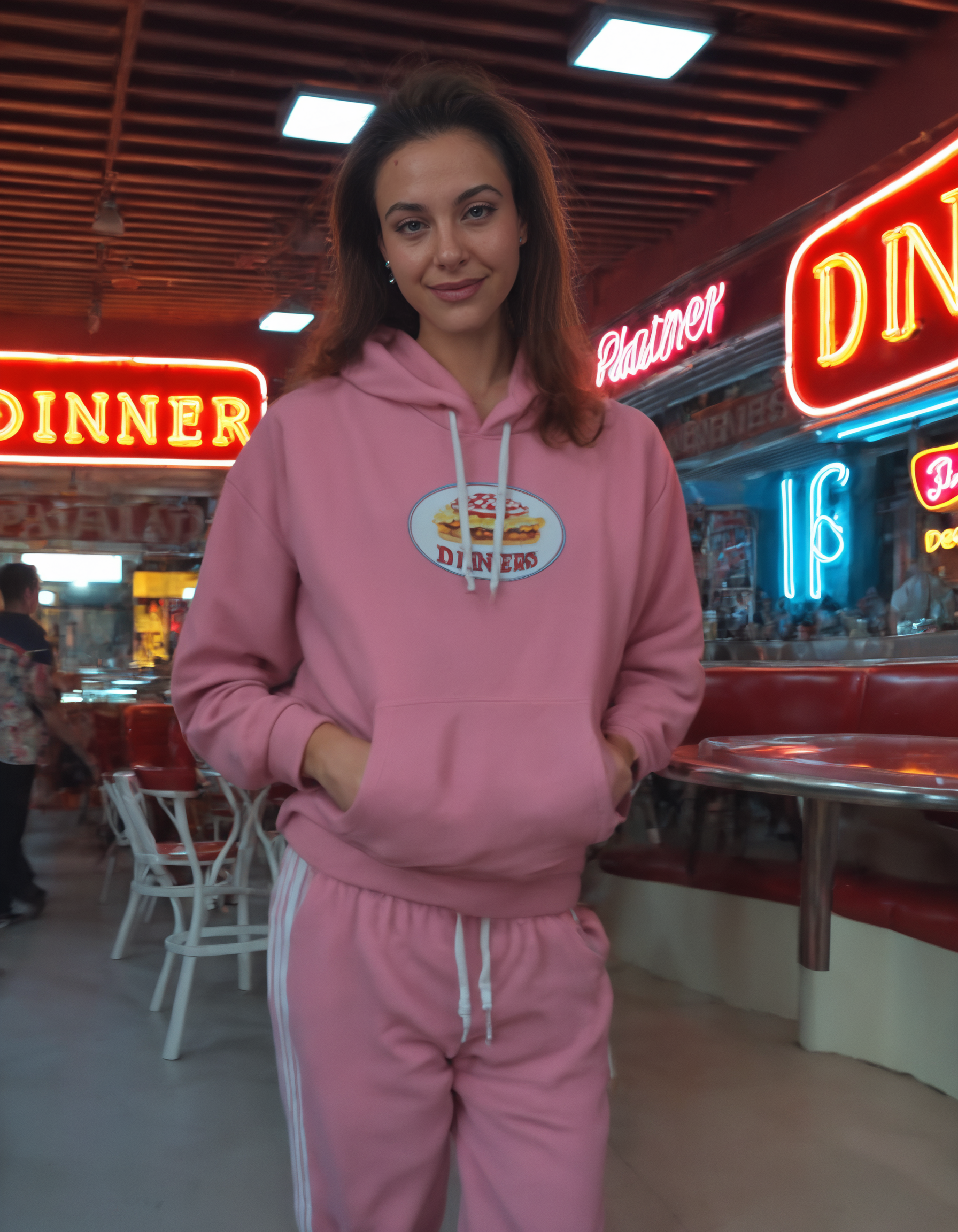
Z-Image_clear_anime

About this model
Z-Image_clear_anime
Guide (External site): English | Japanese
Hugging Face
Z-Image_clear_photoreal
Z-Image_Turbo_clear
Z-Image_clear_vae
Comparison: Z-Image_clear_anime vs Z-Image-Turbo_clear
Z-Image_clear_photoreal | Z-Image-Turbo_clear
Z-Image_clear_anime is a merged model of Z-Image (Base) and Z-Image-Turbo_clear.
It features clearer color expression and sense of depth is better organized.
Which Precision Should I Use?
The order of numerical precision and VRAM usage is FP32 > FP16 > BF16 > FP8. (Note: FP16 and BF16 use the same amount of VRAM.)
Since many LoRAs are released in BF16 format, please select the BF16 format if you prioritize compatibility and training stability.
VAE
For the Z-Image_clear_anime model, we recommend using the custom VAE: Z-Image_natural_vae.
Workflow
The PNG workflow can be downloaded from Hugging Face.
Recommended Settings
General
Sampler: euler
Scheduler: beta
Steps: 12 (Range: 6-18)
ModelSamplingAuraFlow: shift 6 (Range: 3-9)
CFG scale: 1
Note: Negative Prompts have no effect.
Upscaler
your choice, examples:
RealESRGAN_x4Plus Anime 6B (Commercial use)
IllustrationJaNai_V1_ESRGAN (Non-Commercial use)
Tips (External Sites)
Z-Image-Turbo_clear: English | Japanese
Color Prompts: English | Japanese
ComfyUI Color Correction Nodes: English | Japanese
FP precision: English | Japanese
License
Apache-2.0
Tags
Related Models
Similar AI models you may like
Juggernaut XL
Pony Diffusion V6 XL

CyberRealistic Pony

CyberRealistic
epiCRealism XL

Nova Anime XL
LUSTIFY! [NSFW checkpoint]