Workflow
Flux.1 D
Workflow
Flux.1 D
v1.0
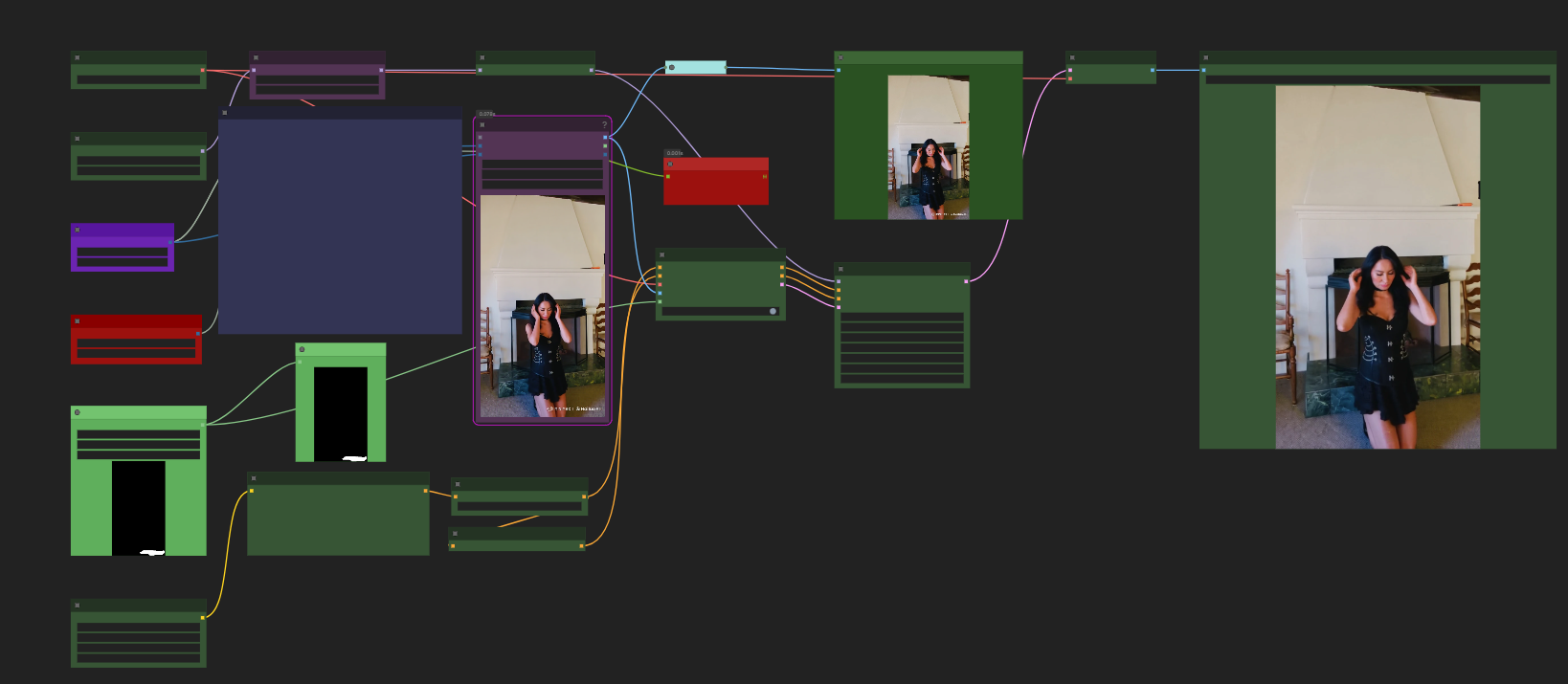
Remove watermark from video

Creator
⭐ 0.0
⬇ 483 Downloads
👁 1 Views
🖼 3 Images
About this model
1. Extract the frames using your favourite method.
2. Create a mask of the area where the watermark is.
3. Load the mask in the "Load mask node"
4. Put the path to your "Images directory" in Load Images node
5. Write a prompt to describe the area where the watermark is located
6. Adjust the batch range according to what your computer can handle.
7. Set the Lap Counter to 0 and to "Increment"
8. Sit back and relax.
NOTICE
Sometimes a few frames might still have some kind of text in them, if that's the case, just inpaint them individually. Usually it's only maybe 1-5 in 100-150 images.
Optional: Put the video back together using Video helper suit.
Related Models
Similar AI models you may like
Workflow
Wan Video 14B t2v
ON-THE-FLY 实时生成!Wan-AI 万相/ Wan2.1 Video Model (multi-specs) - CausVid&Comfy&Kijai - workflow included
⭐ 0.0
⬇ 135,512

Workflow
Wan Video 2.2 I2V-A14B
【WAN2.1】IMG to VIDEO
⭐ 0.0
⬇ 96,141

Workflow
Illustrious
ComfyUI Image Workflows
⭐ 0.0
⬇ 67,493

Checkpoint
Flux.1 D
UltraReal Fine-Tune
⭐ 0.0
⬇ 66,706

LORA
Flux.1 D
Hourglass Body Shape SD1.5/SDXL/PONY/FLUX | olaz
⭐ 0.0
⬇ 58,277
Workflow
Wan Video 2.2 T2V-A14B
WAN 2.2 Workflow T2V-I2V-T2I (Kijai Wrapper)
⭐ 0.0
⬇ 58,098

Checkpoint
Flux.1 D
Jib Mix Flux
⭐ 0.0
⬇ 58,073
LORA
Flux.1 D
FLUX [pro] 1.1 Style Lora - Extreme Detailer for [FLUX + ILLUSTRIOUS]
⭐ 0.0
⬇ 55,523