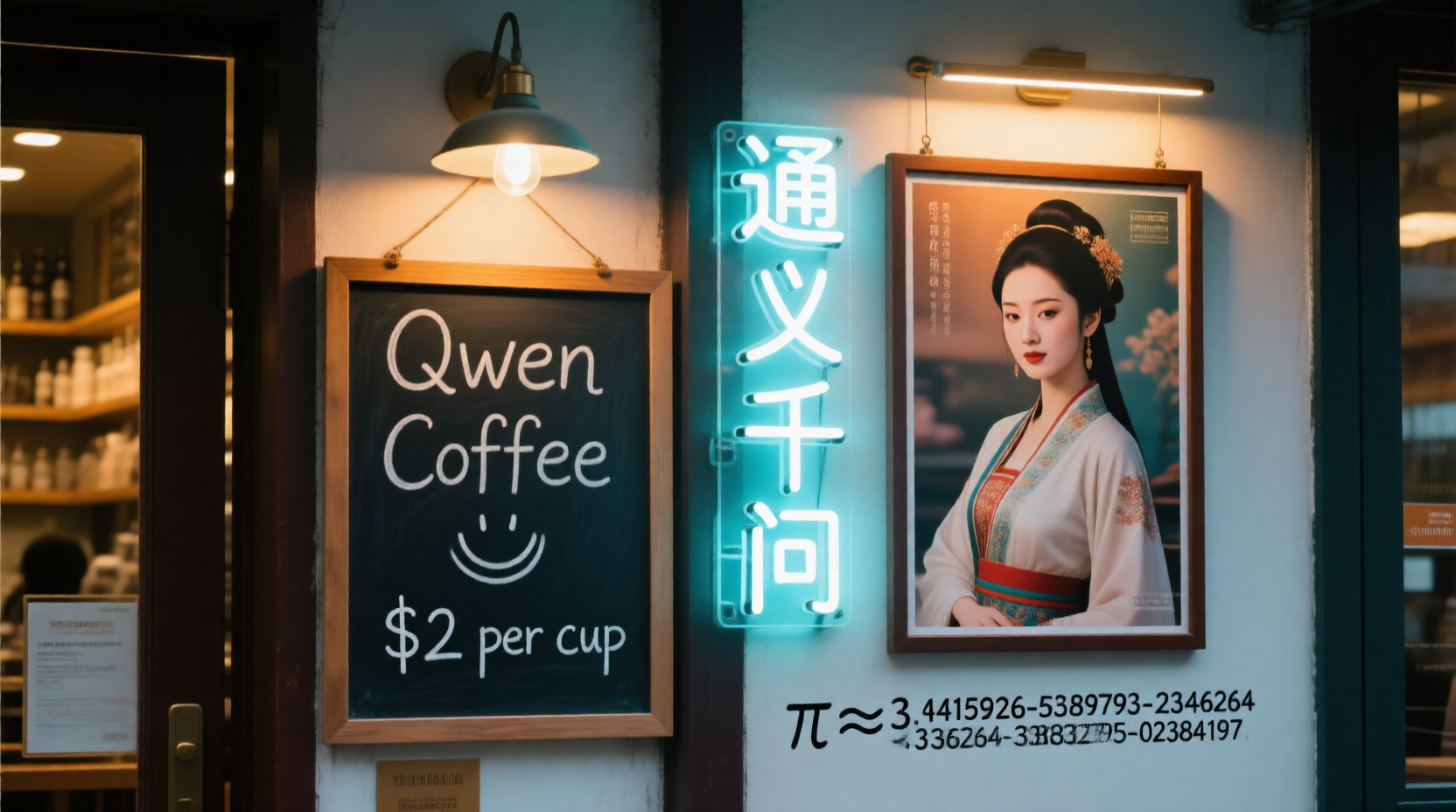
Qwen-image nf4 workflow (4-8steps, 16GB VRAM compatible)
About this model
This workflow uses the latest bnb 4-bit model loading plugin to load the qwen-image quantization model in bnb nf4 format.
Plugin address: GitHub - mengqin/ComfyUI-UnetBnbModelLoader: A general comfyui model loading plugin that supports loading unet models quantized in bnb-4bit (nf4 and fp4) format
You may install the missing plugin directly in ComfyUI Manager plugin management system or search "Unet Bnb Model Loader" to find and install it. Of course, you can also install it manually.
Model used: ovedrive/qwen-image-4bit · Hugging Face
Note that this is a sharded model, but you don't need to manually merge the shards together. Simply place them in a directory, such as qwen-image-4bit, and then place that directory in the unet directory. The plugin will recognize and load the sharded model. In the drop-down menu, the sharded model will be displayed according to the directory it is in.
Use the following LoRa-accelerated generation: PJMixers-Images/lightx2v_Qwen-Image-Lightning-4step-8step-Merge · Hugging Face
Use the following text_encoder (requires the GGUF plugin): entire image generation process is about twice as fast as using the GGUF model, and the results are similar to GGUF Q4. Peak memory usage is around 15GB, but can be maintained at around 14GB when repeatedly generating images.
The image generation speed is about 1 it/s, and the recommended number of steps is 5-6. Due to its reliance on the BitsAndBytes library, this workflow does not support graphics cards other than NVIDIA.
Related Models
Similar AI models you may like
ON-THE-FLY 实时生成!Wan-AI 万相/ Wan2.1 Video Model (multi-specs) - CausVid&Comfy&Kijai - workflow included

【WAN2.1】IMG to VIDEO

ComfyUI Image Workflows
WAN 2.2 Workflow T2V-I2V-T2I (Kijai Wrapper)
![[Lah] Mysterious | Qwen update](https://image.civitai.com/xG1nkqKTMzGDvpLrqFT7WA/b8311d6a-6426-4b4c-9c2d-92cc150d29bb/original=true/109006828.jpeg)
[Lah] Mysterious | Qwen update

Hunyuan 🌻 AllInOne

Moody Simple Zimage Turbo/Distilled Workflow
