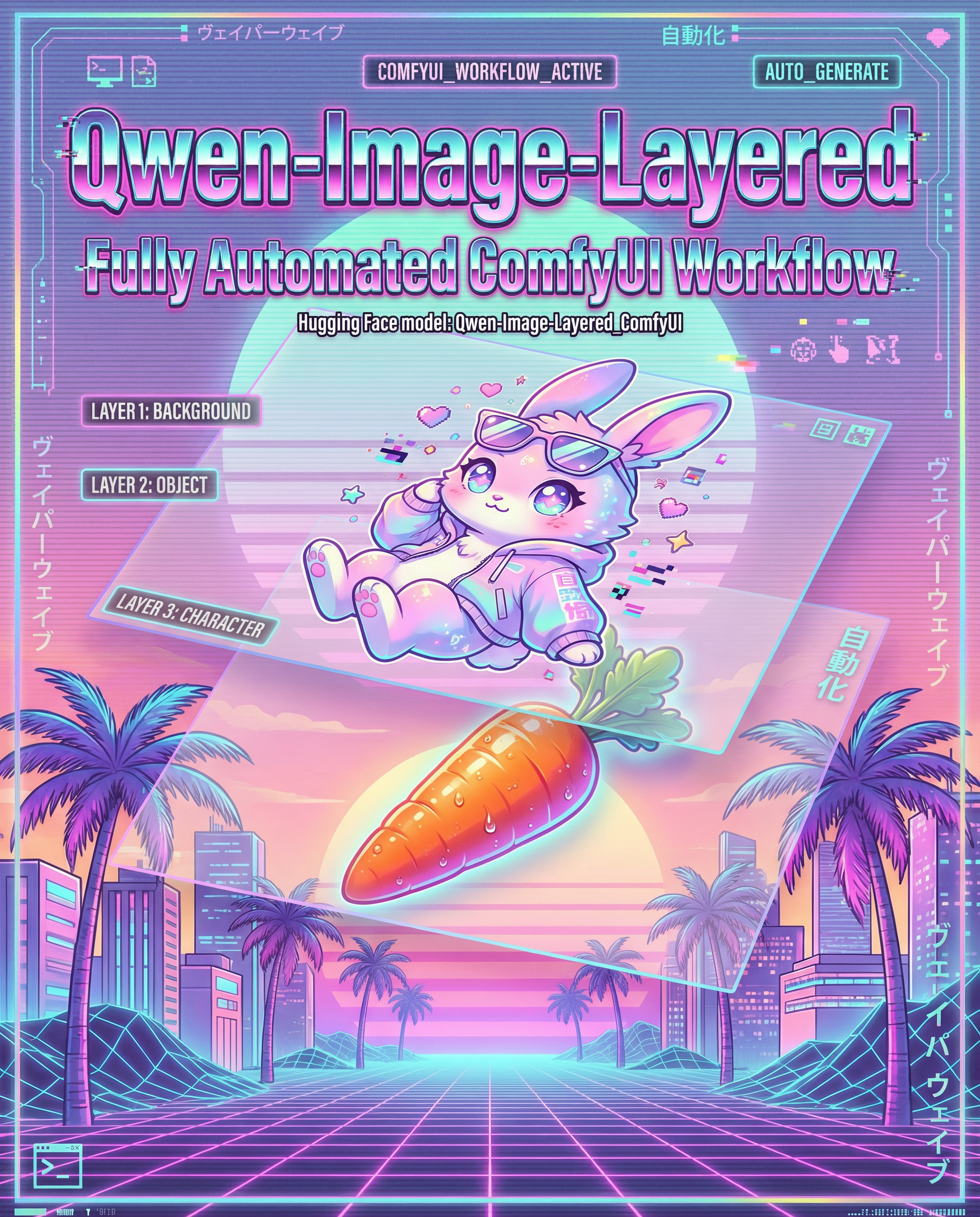
Qwen Image Layered Automated Workflow

About this model
Qwen Image Layered Automated Workflow
Quick Description
A fully automated ComfyUI workflow that intelligently detects the optimal Qwen-Image resolution for your input image's aspect ratio, automatically scales it, and generates stunning outputs using the Qwen Image Layered model with auto-captioning.
Key Highlights
✨ Smart Resolution Auto-Detection – The Nearest Qwen Resolution node automatically analyzes your input image and selects the perfect Qwen-approved resolution (7 official presets covering all aspect ratios)
🎨 Fully Automated Pipeline – Load image → Auto-detect resolution → Auto-caption with Florence2 → Generate → Save (zero manual setup needed)
⚡ Optimized for Quality – Uses only official Qwen-Image training resolutions (~1-2 megapixels, 32-pixel multiples) for artifact-free generation
🔧 Highly Configurable – layer count, seed...
Installation
Install the custom node
Ensure you have Florence2 and Qwen Image Layered models
Load Workflow into ComfyUI
Hit generate!
Everything is automated – just load your image and watch it generate!
Related Models
Similar AI models you may like
ON-THE-FLY 实时生成!Wan-AI 万相/ Wan2.1 Video Model (multi-specs) - CausVid&Comfy&Kijai - workflow included

【WAN2.1】IMG to VIDEO

ComfyUI Image Workflows
WAN 2.2 Workflow T2V-I2V-T2I (Kijai Wrapper)
![[Lah] Mysterious | Qwen update](https://image.civitai.com/xG1nkqKTMzGDvpLrqFT7WA/b8311d6a-6426-4b4c-9c2d-92cc150d29bb/original=true/109006828.jpeg)
[Lah] Mysterious | Qwen update

Hunyuan 🌻 AllInOne

Moody Simple Zimage Turbo/Distilled Workflow
