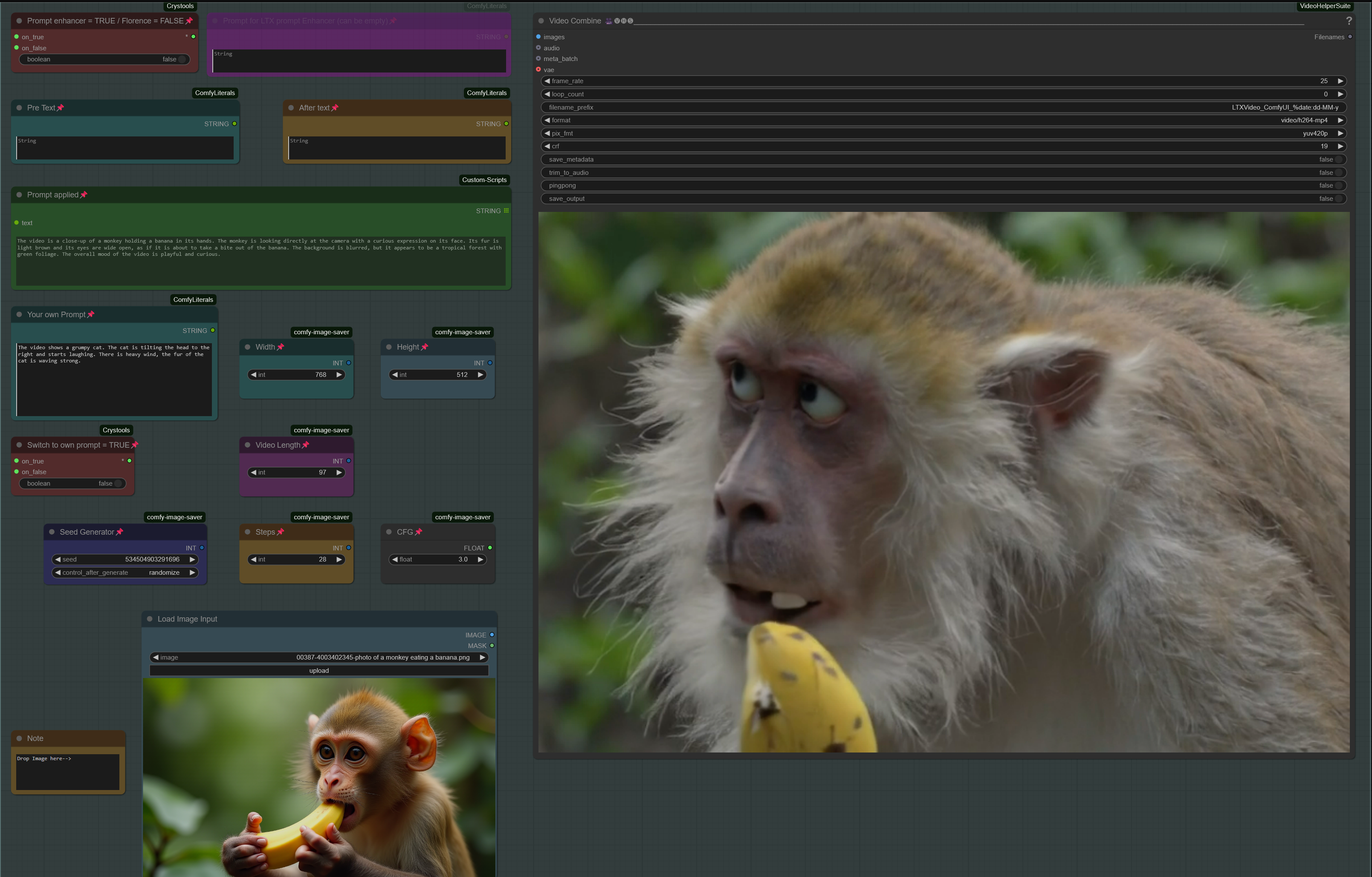
LTX IMAGE to TEXT to VIDEO with STG workflow

About this model
Workflow: Input Image (or prompt) -> captioning to a text prompt -> prompt is used for LTX TEXT to VIDEO (this is a Text to Video workflow, see my other workflow for Image to Video)
V5.0: Support for LTX 0.9.5 GGUF Models and Wavespeed/Teacache
LTX 0.9.5 GGUF Model and VAE: Textencoder): supports Florence caption and LTX Prompt enhancer and works with all models (0.9 / 0.9.1 / 0.9.5)
(see notes in workflow for more details)
V4.0: Support for GGUF Models
GGUF Model, VAE and Textencoder can be downloaded here:
(Model&VAE): Textencoder): a GGUF Version and a GGUF+TiledVae Version for low Vram)
V3.1: Support for model 0.9.1
V3.0: GUI Clean up, reduced no. of custom nodes, feature to use your own prompt.
V2.0: Introducing STG (Spatiotemporal Skip Guidance for Enhanced Video Diffusion Sampling).
GUI includes two new nodes in blue:
STG settings, showing CFG, Scale and Rescale. Plus a switch to change between two layers of the model to be skipped (8 or 14 (default), chose "true" for layer 14 or "false" for layer 8)
I copied a note in the workflow with further info and usable values/limits. Feel free to experiment. In my testing, I kept the values within STG settings as default and just used the switch.
Node "Modify LTX Model" will change the model within a session, if you switch to another worklfow, make sure to hit "Free model and node cache" in comfyui to avoid interferences.
V1.0: ComfyUI Workflow: LTX IMAGE-to-TEXT-to-VIDEO Using Florence2 Caption
This workflow transforms the input images into a prompt (Florence2 for captioning) and uses the LTX Text to Video model for video generation (Image -> Prompt -> Video)
Related Models
Similar AI models you may like
ON-THE-FLY 实时生成!Wan-AI 万相/ Wan2.1 Video Model (multi-specs) - CausVid&Comfy&Kijai - workflow included

【WAN2.1】IMG to VIDEO

ComfyUI Image Workflows
WAN 2.2 Workflow T2V-I2V-T2I (Kijai Wrapper)

Hunyuan 🌻 AllInOne

Moody Simple Zimage Turbo/Distilled Workflow
