Image to Sprite Sheet Workflow, LOW VRAM

About this model
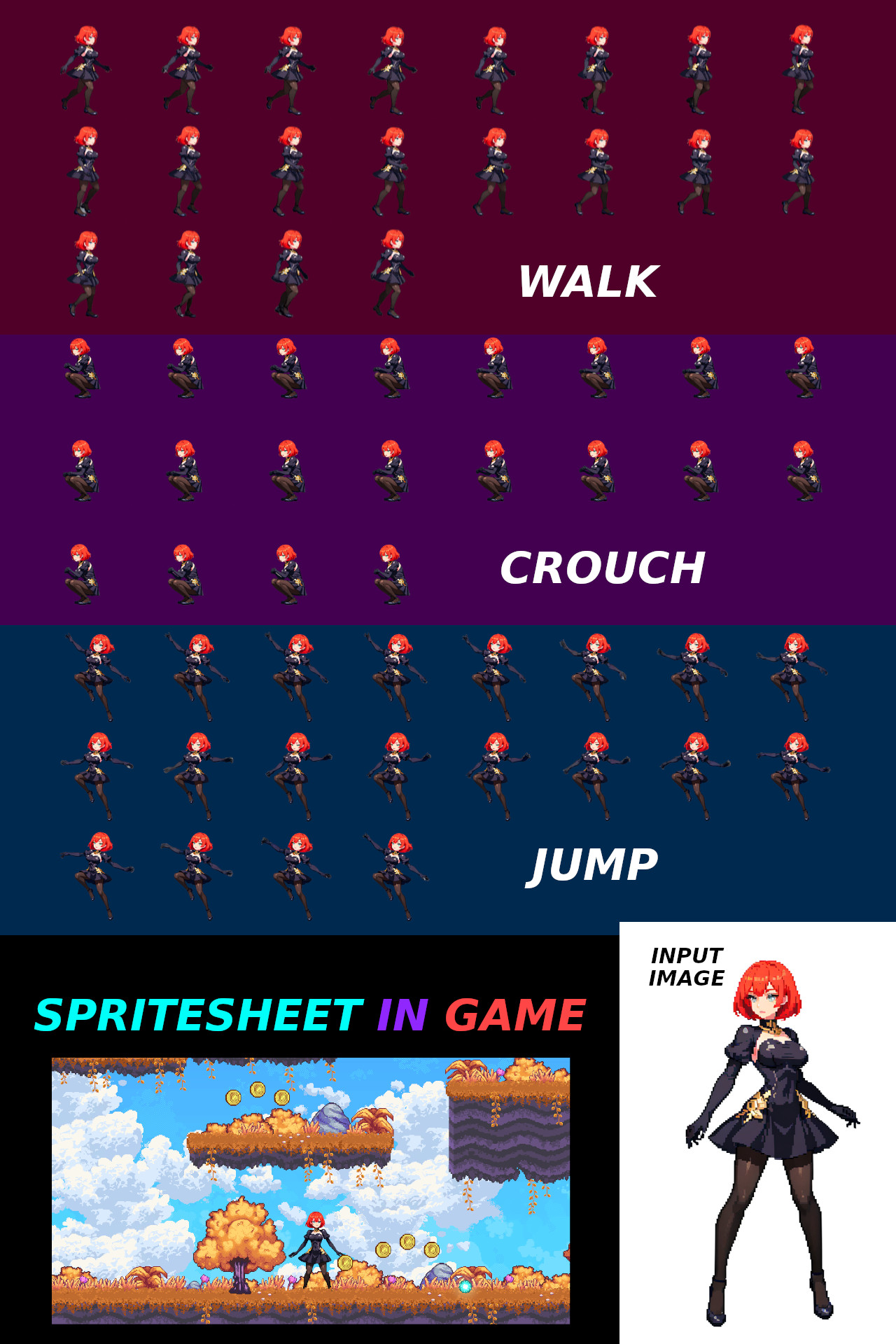
Create spritesheet from 1 full body image.
Required workflows
To make a spritesheet from a single image, you need 3 workflows:
Pose Selector: Seamless loop: Animation To SpriteSheet: some image editing software (GIMP, Photoshop, Paint.NET)
How to use
Get full body image
In Pose Selector generate image in "default pos". Why? Because Flux Kontext changing anatomy, in the generated images anatomy will be the same, but it will differ from the reference image.
And generate Run, Jump and Sit poses.
All characters should look in one side, not like in my example, where "Run" pose looking in right side, but others in left.
You need to rescale generated pose images to 1 scale. Like that.
Pose images with correct scale, put in WAN2.1 Seamless loop
First frame and Last frame should be the same.
For default pose, you need to use "Idle anim" preset
For Jump pose, you need to use "Jump anim" preset
etc.
Ok, by now you have a good WebP animations. Next step, is to remove background from animation and put every frame in spritesheet, for that, use WebP Animation To SpriteSheet.
Done.
Related Models
Similar AI models you may like
ON-THE-FLY 实时生成!Wan-AI 万相/ Wan2.1 Video Model (multi-specs) - CausVid&Comfy&Kijai - workflow included

【WAN2.1】IMG to VIDEO

ComfyUI Image Workflows
WAN 2.2 Workflow T2V-I2V-T2I (Kijai Wrapper)

Hunyuan 🌻 AllInOne

Moody Simple Zimage Turbo/Distilled Workflow
