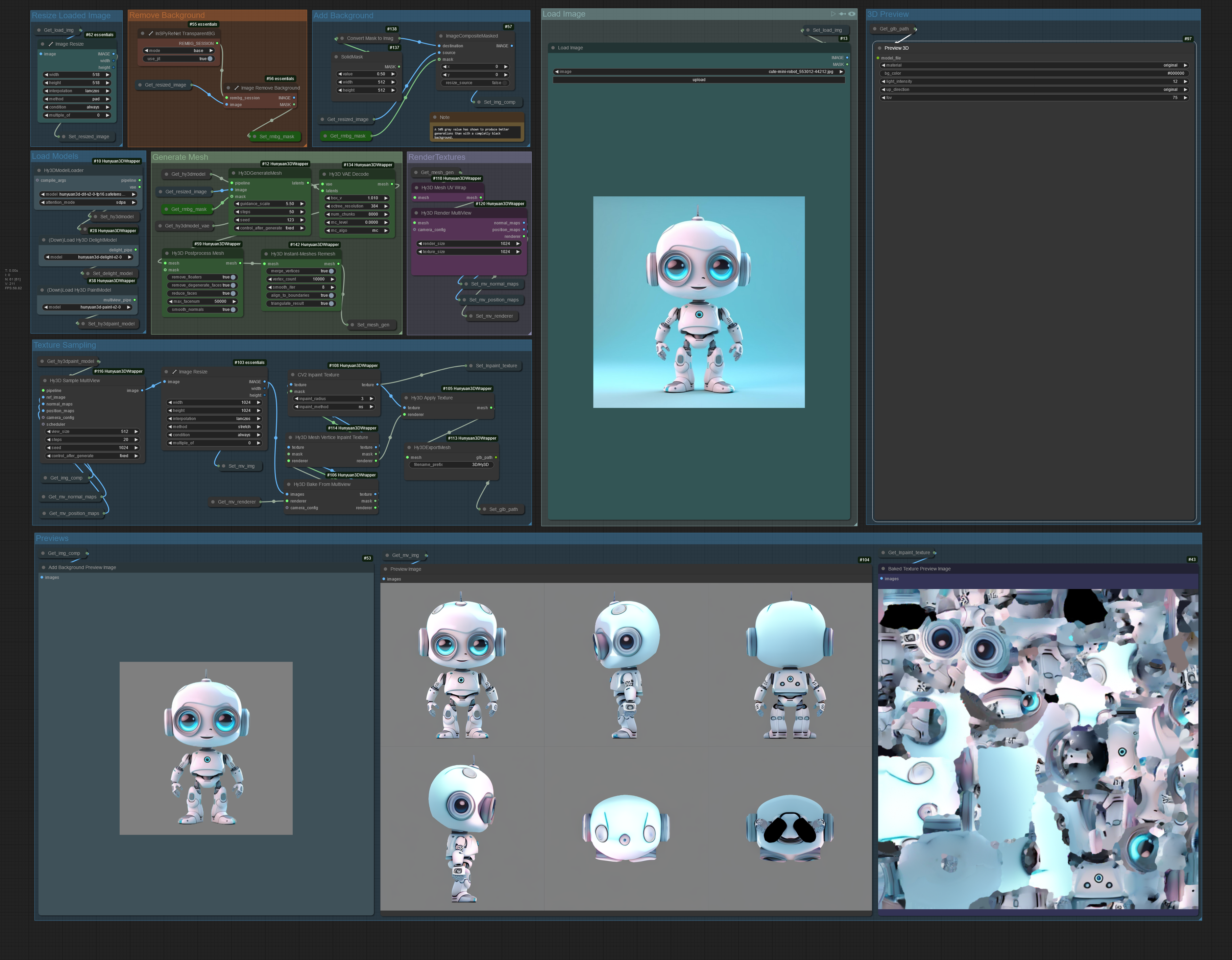
Hunyuan3D 2.0 clean image to 3D workflow

About this model
This is a simple and clean workflow for Hunyuan 3D 2.0 Wrapper in ComfyUI by Kijai
2.2 Update
Removed delight (again!) it's just not good, if you want it use the 2.1 version or add it to the new workflow.
Added the new Hy3D Instant-Meshes Remesh node to the workflow
You need to install the dependency for it to work
For ComfyUI portable run
python.exe -m pip install pynanoinstantmeshes from within the python_embeded directory
For ComfyUI venv
activate the comfyui venv and then run
pip install pynanoinstantmeshes
make sure you are installing the module to the venv and not your local installation of python.
Version 2.1 Updated with latest changes from repo
Added the option to turn on Delight with a toggle node within the texture sampling group.
Version 2.0 update
Turned off delight by default and updated with new features from the sample workflow that kijai provided.
If you want to use delight change the get_img_comp to get_delight in the Hy3D Sample MultiView node in the Texture sampling group and unmute the Delight group.
Related Models
Similar AI models you may like
WAN 2.2 Workflow T2V-I2V-T2I (Kijai Wrapper)

Hand Detailer/Segmentation - ADetailer

Hunyuan 🌻 AllInOne
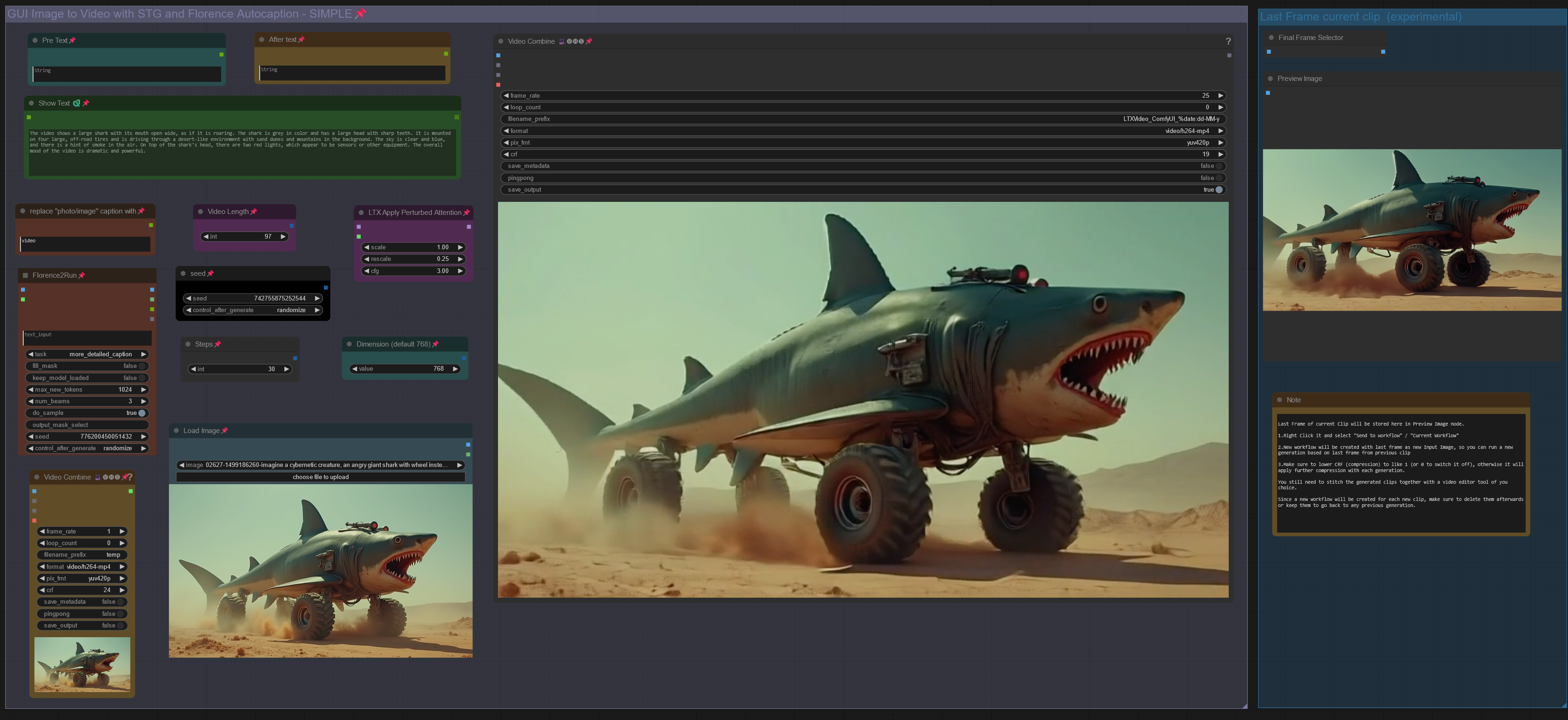
LTX IMAGE to VIDEO with STG, CAPTION & CLIP EXTEND workflow
Wan2.1_14B-FusionX_Workflows
SDXL PONY ILLUSTRIOUS DMD2 Workflow By Stable Yogi
Wan2.1(GGUF) only 4GB-VRAM ComfyUI Workflow