🌌 Flux Dev 2 Reboot Workflow + FlashVSR Upscaler

About this model
⚡ Minimal • Clean • Organized • Ready-to-Use
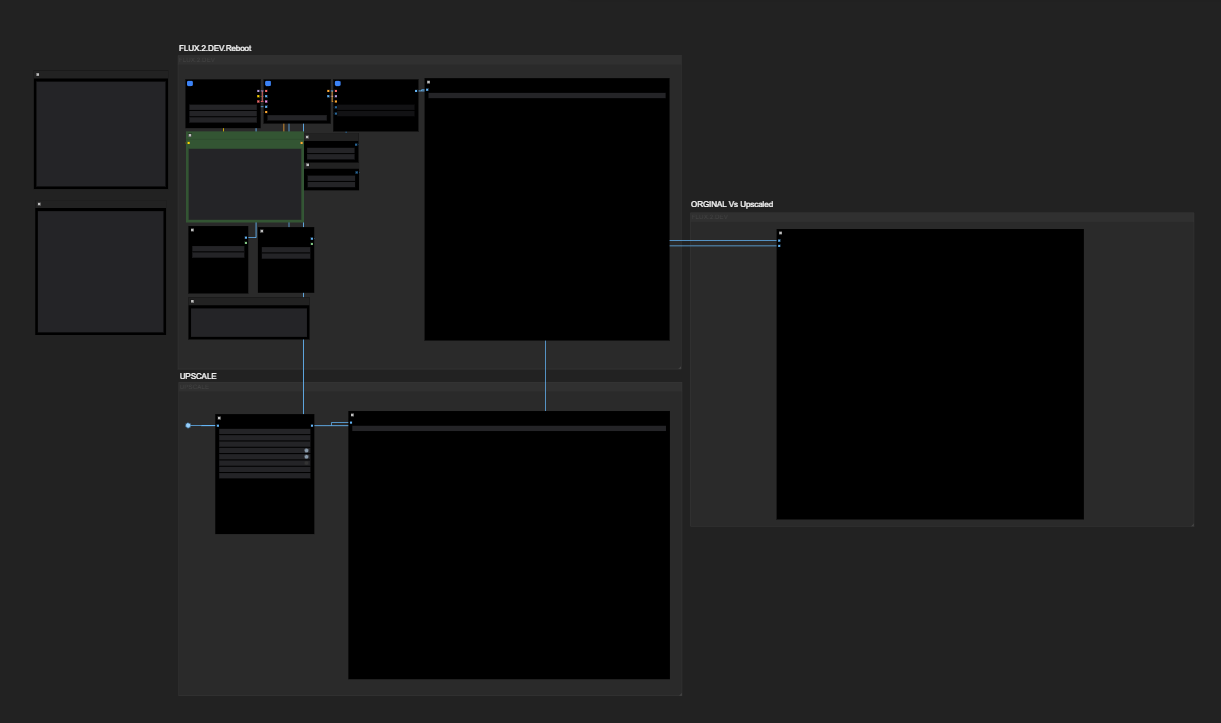
A minimal, extremely clean ComfyUI workflow for FLUX.2-dev Reboot paired with a FlashVSR upscaler and an Original vs Upscaled comparison panel — designed for fast, professional image generation.
📝 Description
🔥 What this workflow does
This workflow is built to give you a simple, non-cluttered way to generate images using FLUX.2-dev (Reboot) and instantly upscale them using FlashVSR — all inside one single neat setup.
Most FLUX workflows become spaghetti…
This one is clean, compact, and beginner-friendly while still being creator-grade.
🔧 Pipeline Overview
🟦 1. FLUX.2-dev Generation (Reboot Block)
Uses FLUX.2-dev GGUF main model
External Mistral 3 Small Text Encoder
External Flux VAE
Organized nodes for prompt, seed, settings
Large dedicated preview for the base render
🟪 2. FlashVSR Upscale Block
Direct upscale from Flux output
Supports 2× / 4× depending on VRAM
Clean routing with minimal node clutter
Perfect for 4K-ready results
🟨 3. Original vs Upscaled Preview (Side-by-Side)
Built-in viewers for comparison
Quickly check detail, noise, sharpness
No need to save & re-import images
📦 Required Models
🧠 Main FLUX.2-dev GGUF
🔗 id="text-encoder-(mistral-3-small-for-flux)">✍️ Text Encoder (Mistral 3 Small for Flux)
🔗 id="flux-vae">🎨 Flux VAE
🔗 id="upscaler">🔼 Upscaler
✔ FlashVSR model + ComfyUI FlashVSR node
(Download through ComfyUI Manager or GitHub repo)
Please place models in correct folders based on your ComfyUI setup.
🚀 How to Use
Open the workflow in ComfyUI
Enter your prompt + negative prompt
Choose your resolution / steps
Generate with Flux Dev 2
The output is automatically sent to FlashVSR
Compare results in the Original vs Upscaled panel
Export sharp, clean images instantly
Super simple, super fast.
💻 Recommended Settings
GPU: 10–12GB VRAM recommended
Base resolution: 1024×1024, 832×1216, or 1216×832
Steps: 20–30 (ideal for Flux)
FlashVSR:
2× upscale → safe for all GPUs
4× upscale → best quality, higher VRAM needed
🎯 Best For
✨ Concept art
✨ Portraits
✨ Thumbnails
✨ Posters / Key Visuals
✨ Fast client work
✨ Clean templates for custom pipelines
🙏 Credits
🧩 FLUX.2-dev GGUF — orabazes
🧠 Flux VAE + Text Encoder — Comfy-Org
📈 FlashVSR — FlashVSR authors + ComfyUI integration
🎨 Workflow assembly, optimization & layout — (Veonix)
Tags
Related Models
Similar AI models you may like
ON-THE-FLY 实时生成!Wan-AI 万相/ Wan2.1 Video Model (multi-specs) - CausVid&Comfy&Kijai - workflow included

【WAN2.1】IMG to VIDEO
F.2 Midjourney V6.1 meets FLUX 🖼️ [+ILLUSTRIOUS / SDXL]

ComfyUI Image Workflows
WAN 2.2 Workflow T2V-I2V-T2I (Kijai Wrapper)

Hunyuan 🌻 AllInOne

Moody Simple Zimage Turbo/Distilled Workflow
