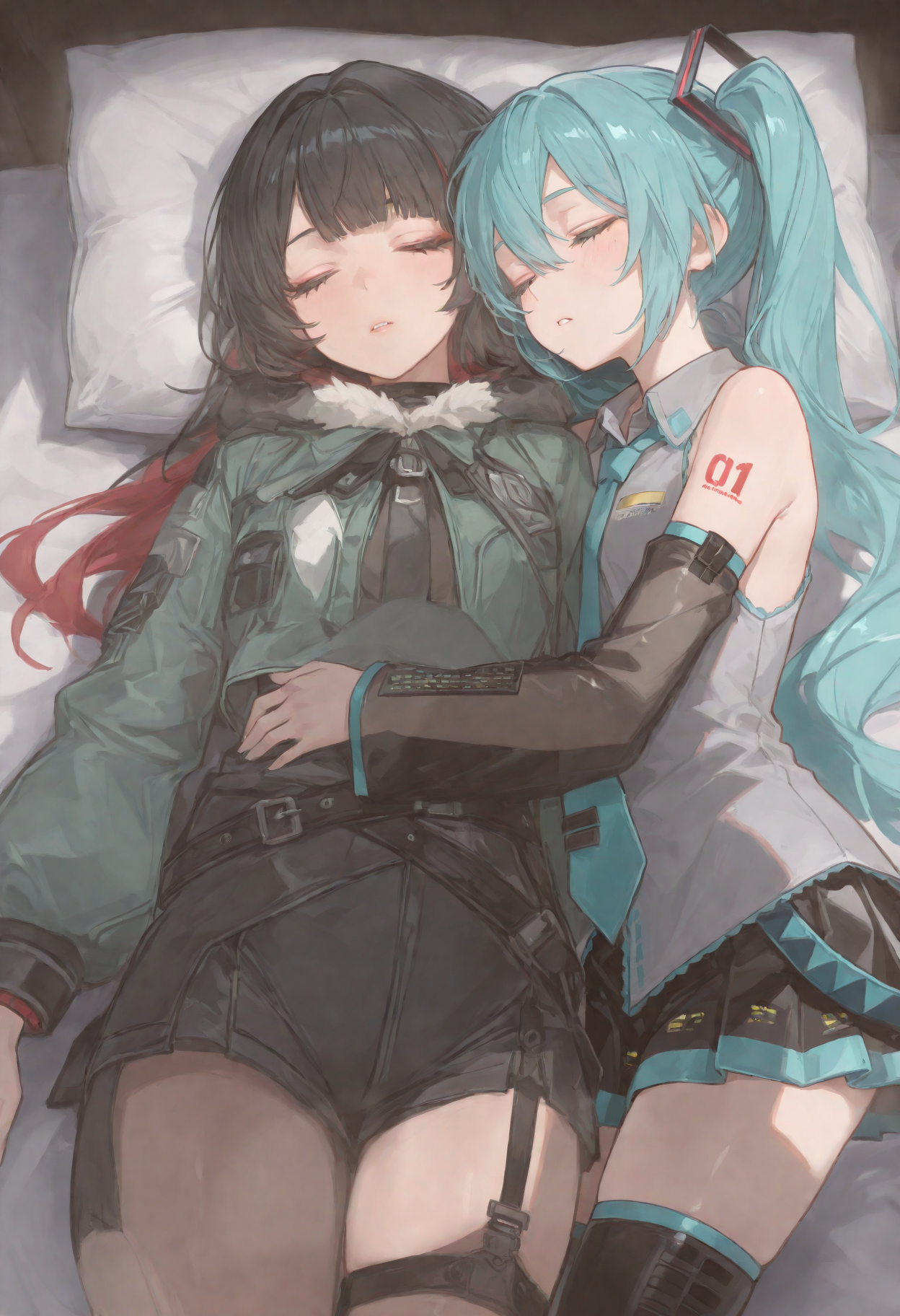
About this model
Caption Creator is a portable Windows app for generating high-quality text from images. Create captions, tags, JSON, YAML, Illustrious prompts, or fully custom outputs for image datasets, LoRA training, AI prompting, and folder organization.
Run everything locally with built-in GGUF models, or connect your own vision model through LM Studio or Ollama. Your images stay on your computer.
Website · Online Version · Releases · Patreon
Highlights:
Multiple output types: Captions, Tags, JSON, YAML, Illustrious, and Custom prompts.
Single or batch workflow: Process one image, many images, or queue multiple jobs.
Local-first generation: Use bundled models, LM Studio, or Ollama vision models.
Model management: Download, select, delete, load, and eject models from the app.
Professional workflow controls: Max words, trigger words, prompt enrichment, Low-VRAM mode, custom output folder, and original filename preservation.
Fast result actions: Copy output, open the run folder, or export the current run as a ZIP archive.
Modern desktop UI: Frameless dark interface with live status, progress, previews, gallery output, and an About panel.
How to Use:
Download and unpack the latest release.
Launch
Caption Creator.exe.Open Model / VRAM Configuration.
Download a built-in model that matches your GPU, or
choose Custom (LM Studio) / Custom (Ollama) and select a running vision model.
Choose Single Image or Batch Processing, then add images by clicking, dragging, or pasting in Single Image mode.
Pick an output type: Captions, Tags, JSON, YAML, Illustrious, or Custom.
Adjust optional settings, then click Generate or add the job to the Queue.
Copy the result, open the output folder, or save the run as a ZIP archive.
Related Models
Similar AI models you may like

Lenovo UltraReal

Hand Detailer/Segmentation - ADetailer

80s Fantasy Movie
CLIP-L & CLIP-G Full FP32 (Zer0Int & Simulacrum)

【TOOL】ComfyUI Installer

ComfyUI inpaint workflow | Updated for anima